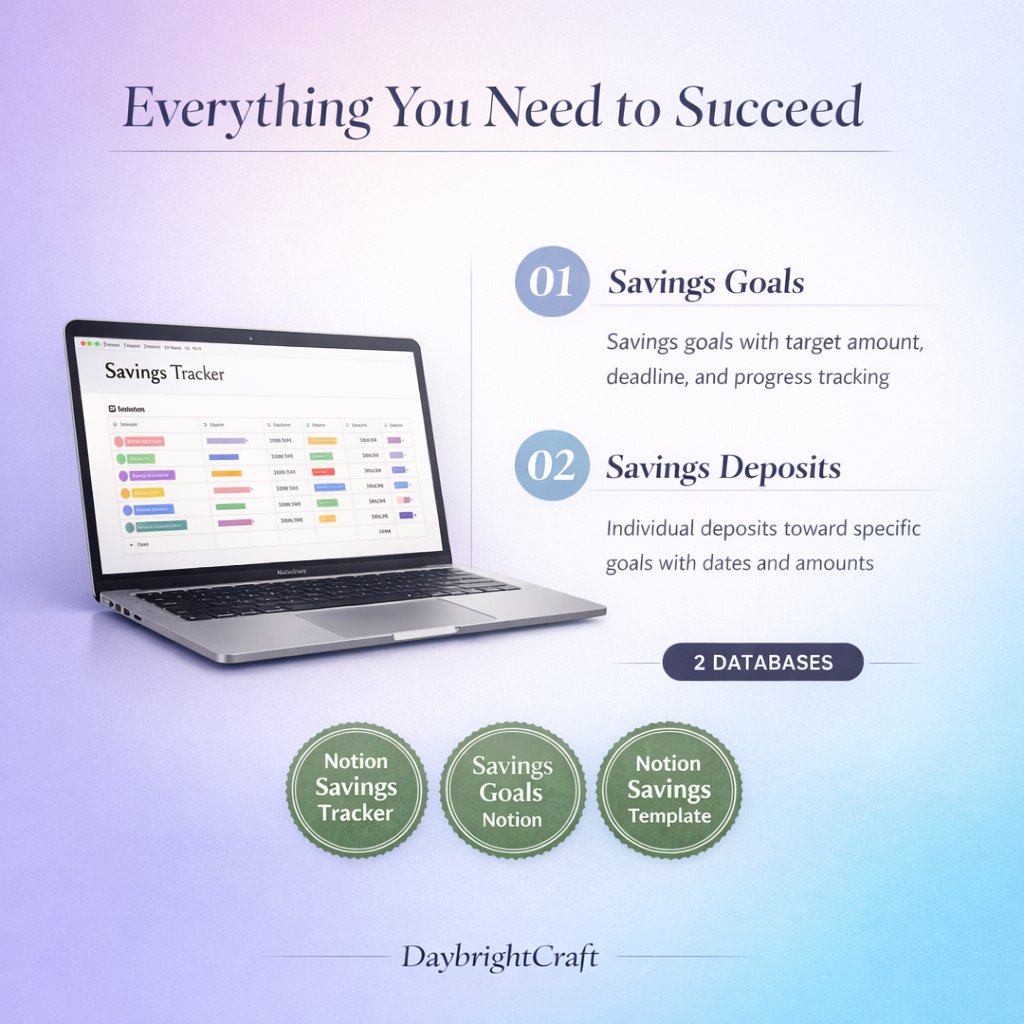
Transform Your Financial Life with a Notion Savings Tracker
Managing your finances doesn’t have to be overwhelming or complicated. With the right tools and systems in place, you can take control of your money, reach your savings goals, and build a secure financial future. A notion savings tracker is one of the most powerful and flexible tools available for organizing your finances, combining the functionality of spreadsheets with the visual appeal and customization options that make financial planning actually enjoyable.
Whether you’re saving for an emergency fund, planning a vacation, or working toward a major purchase like a house or car, having a centralized system to track your progress is essential. Notion’s all-in-one workspace capabilities make it the perfect platform for creating a comprehensive financial management system that grows with your needs.
Why Choose Notion for Your Savings Tracker?
Notion stands out from traditional budgeting apps and spreadsheets for several compelling reasons. First, it offers unparalleled customization – you can design your financial tracker to match your specific needs, goals, and preferences. Unlike rigid budgeting apps that force you into predetermined categories, Notion adapts to your unique financial situation.
The platform’s database functionality allows you to create interconnected systems where your savings goals, expenses, and income all work together seamlessly. You can set up automated calculations, create visual progress bars, and even add motivational elements like photos of your goals to keep you inspired throughout your financial journey.
Additionally, Notion’s collaborative features make it perfect for couples or families who want to manage their finances together. You can share specific pages or databases while keeping sensitive information private, ensuring everyone stays on the same page with your financial objectives.
Essential Components of an Effective Notion Savings Tracker
A well-designed notion savings tracker should include several key components that work together to provide a complete picture of your financial health. Here are the essential elements you’ll want to incorporate:
1. Goal Setting and Visualization Dashboard
Your dashboard should prominently display all your savings goals with clear progress indicators. This includes:
- Goal names and target amounts
- Current saved amounts
- Progress percentages and visual bars
- Target completion dates
- Monthly contribution requirements
2. Income and Expense Tracking
Understanding your cash flow is crucial for effective savings. Your tracker should monitor:
- All income sources and amounts
- Fixed expenses (rent, utilities, insurance)
- Variable expenses (groceries, entertainment, dining out)
- Savings contributions
- Monthly surplus or deficit calculations
3. Category-Based Organization
Organize your financial data into logical categories that make sense for your lifestyle:
- Emergency fund
- Short-term goals (vacation, electronics)
- Medium-term goals (car, home down payment)
- Long-term goals (retirement, children’s education)
- Debt repayment tracking
Setting Up Your Notion Savings Tracker Step-by-Step
Creating an effective financial tracking system requires careful planning and setup. Here’s how to build your notion savings tracker from the ground up:
Step 1: Create Your Main Financial Dashboard
Start by creating a new page in Notion that will serve as your financial command center. This page should provide an at-a-glance view of your entire financial situation. Add a header with your total savings, current month’s progress, and upcoming financial milestones.
Use Notion’s callout blocks to highlight important information like your emergency fund status or progress toward your most important goal. This visual emphasis helps you stay focused on what matters most.
Step 2: Build Your Savings Goals Database
Create a database to track all your savings goals. Include properties for:
- Goal name and description
- Target amount (number property)
- Current saved amount (number property)
- Target date (date property)
- Priority level (select property)
- Monthly contribution needed (formula property)
- Progress percentage (formula property)
Use Notion’s formula feature to automatically calculate progress percentages and required monthly contributions based on your target dates and current savings.
Step 3: Design Your Income and Expense Tracker
Create separate databases for income and expenses, or combine them into one comprehensive transaction database. Include categories, amounts, dates, and notes for each entry. This detailed tracking helps you identify spending patterns and opportunities for increased savings.
Step 4: Implement Visual Progress Tracking
Notion’s progress bar feature is perfect for visualizing your savings journey. Create progress bars for each goal and update them regularly to maintain motivation. Consider adding images of your goals – whether it’s a dream vacation destination or your ideal home – to keep your objectives top of mind.
Advanced Features and Customization Tips
Once you have the basics in place, you can enhance your notion savings tracker with advanced features that make financial management even more effective:
Automated Calculations and Formulas
Leverage Notion’s formula capabilities to create automatic calculations that save time and reduce errors. Set up formulas to calculate:
- Remaining amounts needed for each goal
- Projected completion dates based on current contribution rates
- Percentage of income allocated to savings
- Monthly budget variances
Integration with Bank Data
While Notion doesn’t directly connect to bank accounts, you can streamline data entry by exporting transaction data from your bank and importing it into your tracker. This approach maintains the security of your financial information while reducing manual entry time.
Recurring Transaction Templates
Create templates for recurring income and expenses to speed up data entry. This is particularly useful for monthly bills, salary deposits, and regular savings contributions.
Maximizing Your Financial Success with Professional Templates
While building your own notion savings tracker from scratch is rewarding, using a professionally designed template can save significant time and ensure you don’t miss important features. The Ultimate Notion Savings Goals Tracker & Financial Planner provides a comprehensive, ready-to-use system that incorporates best practices for financial tracking and goal achievement.
Professional templates offer several advantages:
- Pre-built formulas and calculations that work correctly from day one
- Thoughtfully designed layouts that maximize usability
- Comprehensive feature sets you might not think to include
- Professional visual design that makes financial tracking enjoyable
- Detailed setup instructions and usage guides
Best Practices for Consistent Financial Tracking
Success with any notion savings tracker depends on consistent use and regular updates. Here are proven strategies for maintaining your financial tracking system:
Establish a Regular Update Schedule
Set aside time weekly to update your tracker with new transactions, review progress toward goals, and adjust strategies as needed. Consistency is more important than perfection – even 15 minutes per week can make a significant difference in your financial awareness and progress.
Review and Adjust Goals Regularly
Your financial goals should evolve as your life circumstances change. Review your goals quarterly and adjust target amounts, timelines, or priorities as needed. This flexibility ensures your tracker remains relevant and motivating.
Celebrate Milestones
Acknowledge your progress by celebrating when you reach savings milestones. This positive reinforcement helps maintain motivation during longer savings journeys and makes the process more enjoyable.
Common Mistakes to Avoid
Learning from others’ experiences can help you avoid common pitfalls when using a notion savings tracker:
- Making the system too complex initially – start simple and add features gradually
- Neglecting to update regularly – inconsistent data leads to poor decision-making
- Setting unrealistic goals – ensure your targets are achievable given your income and expenses
- Focusing only on savings without tracking expenses – understanding outflow is crucial for financial health
- Not backing up your data – regularly export your financial data as a backup
Conclusion: Take Control of Your Financial Future
A well-designed notion savings tracker is more than just a tool – it’s a comprehensive system that empowers you to take control of your financial future. By implementing the strategies and features outlined in this guide, you’ll create a powerful foundation for achieving your savings goals and building long-term financial security.
Remember that the most effective financial tracking system is the one you’ll actually use consistently. Start with the basics, gradually add advanced features, and don’t be afraid to customize the system to match your unique needs and preferences. With dedication and the right tools, you can transform your financial life and achieve the goals that matter most to you.
Leave a Reply